
Searching Cases by Name
Search ARCourts is the official starting point. Its main mode hunts by participant. Type a verified spelling. When a business or caption term works better than a person's name, use the organization or case-description field instead. Remember that results span every Arkansas court using Contexte. A matching name is only the beginning. Before opening any docket detail, confirm Marion County, the court, the case type, and the case number.
- Open the official public Case Search and choose the participant search.
- Enter the last name and as much verified first and middle-name detail as is known.
- For an entity, try the Organization or Case Description field instead.
- Narrow the results to Marion County, the correct court level, and the expected case type.
- Open the likely result and compare its case number, parties, court, judge, and filing date.
No field is marked as required. So do not assume an input is mandatory. Begin with enough detail to cut down false matches, then loosen the search only if the expected case fails to appear.
| Field Label | Type | Required | Notes |
|---|---|---|---|
| Participants | Search mode | Unspecified | The visible primary search mode |
| First Name | Text | Unspecified | Participant given name |
| Middle Name | Text | Unspecified | Useful as a narrowing field |
| Last Name | Text | Unspecified | Participant surname |
| Organization or Case Description | Text | Unspecified | Entity party or caption terms |
| Case Number | Search mode or input | Unspecified | Most precise when copied exactly |
| Court, county, and case filters | Filter controls | Unspecified | Live options can change |
Marion County Case Search Fields
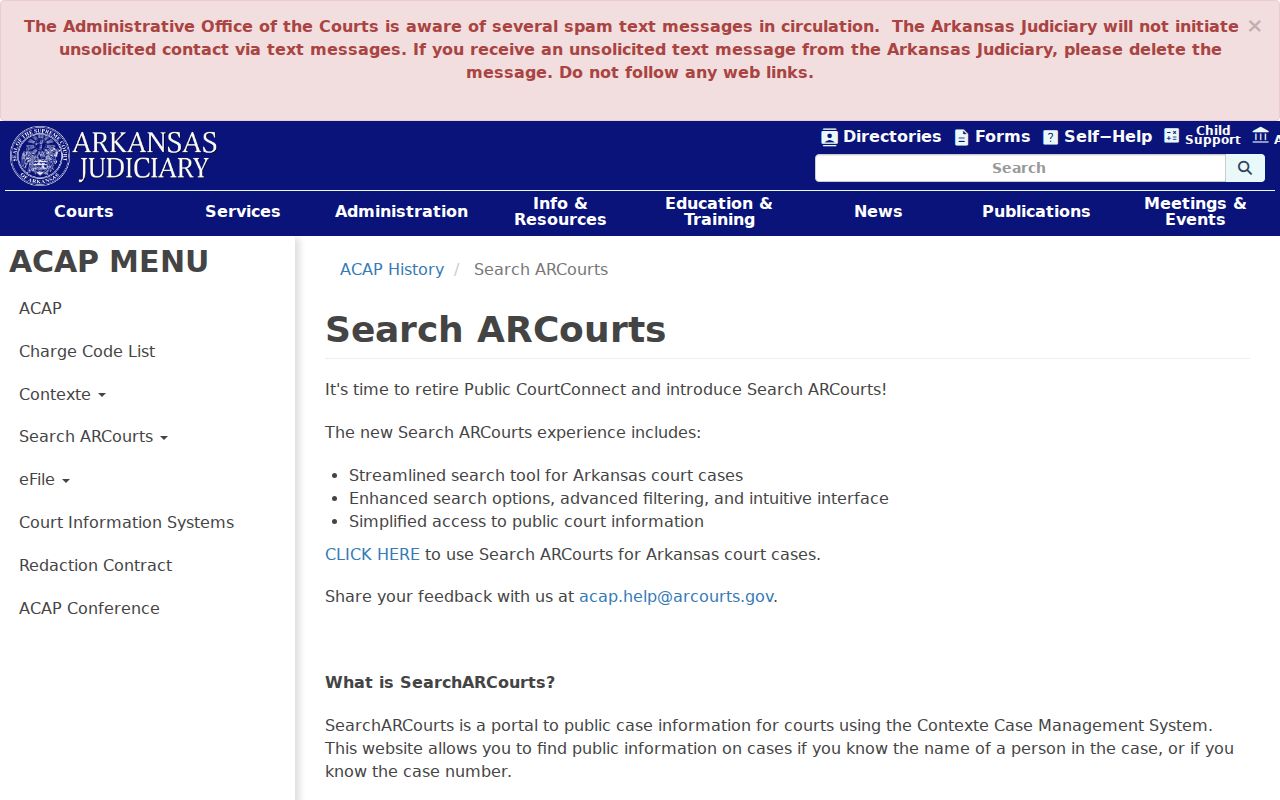
Search ARCourts gives the public a window into case data held in Contexte, a system the Arkansas Judiciary maintains. Its official portal overview spells out the coverage. Every circuit court files the required statistical information. Most go further and share fuller case details. District courts show up only if they opt in, which is why Marion County readers see a real gap: Circuit Court and four named District Court dockets are not equally represented online.
For anyone running a Marion County case search, the official Search ARCourts overview from the state is the page that spells out these limits. Checking it first saves effort.
Treat the portal as the public first step. When a local case or a needed document does not surface there, take the question to the correct Marion County clerk.
Searching by Case Number
A case number beats a common-name search because it points to a single matter. Copy every character from a citation, pleading, notice, or order. Keep the punctuation and spacing intact. Arkansas case numbers often encode a lot: the court or county, the case type, the year, and the sequence. The judiciary publishes no exact current Marion County mask, though. Inventing a local example to fill that gap would mislead more than help. Use the number exactly as printed: copy every case-number character. If a search comes back empty, check the source paper first. Confirm it belongs to Marion County. Confirm the docket search is aimed at the right court level. A city traffic citation may belong to Bull Shoals, Flippin, or Yellville. A rural ticket may sit on the District Court county docket. A felony's later prosecution belongs in Circuit Court even when preliminary events began below. When a clerk hands you a corrected number, note which docket it identifies. Never "repair" a number using another county's format.
Marion County Case Search Name Matches
A same-name hit is only a starting point. Compare the court, the case style or description, the participant role, the filing date, the judge, and the case type before trusting any result. Organization names vary too, so use exact caption words when you know them. The public interface offers a participant route and an organization or case-description route alike. Filter broad statewide results back to Marion County and the expected court. Circuit matters should show the Fourteenth Judicial Circuit with a Marion filing context. District cases need the right county or city department. This one check keeps a Bull Shoals ticket, a Yellville city matter, and the Yellville county docket from blurring together just because they share a county. Search ARCourts once replaced a legacy system that capped results. Older search tips may not match the live interface.
What a Case Search Returns
Opening a result gives you a public case-information view, not always the whole file. The chronology can list dated filings and events. Criminal cases may display charges and dispositions. Civil cases may display judgments. Future events can identify settings. Some public records include linked documents, but a missing link does not mean the filing itself is absent.
| Case Number | The unique identifier; preserve the exact format supplied by the court. |
|---|---|
| Court and Case Description | The filing court plus the case style, caption, or short description. |
| Parties and Roles | Participant names with procedural roles; attorneys may appear when supplied. |
| Type, Status, and Filed Date | Case classification and current summary fields where populated. |
| Filings and Events | Dated chronology with a public document link where enabled. |
| Charges or Judgments | Criminal charge and disposition data or civil judgment information. |
| Future Events | Scheduled event data whose time, location, or judge fields depend on court entry. |
The AOC overview does not promise complete financial detail. A portal summary is not a certified court record either. For official copies of Circuit Court matters, turn to the Marion County Circuit Clerk.
Marion County Case Search Document Links
Search ARCourts links some public court records, not all. A search result, a docket detail, and a document image are three distinct layers. The result identifies a possible case. The detail lays out the public chronology, and a document link opens an image only when the filing court and access rules allow one online.
- Search result
- A row used to identify a possible case match.
- Case information
- The public detail view containing available parties, events, and case fields.
- Filing
- An item accepted into the court file and listed in the chronology.
- Document link
- An online image available for some public filings, not a complete file promise.
- Certified copy
- A clerk-authenticated record requested from the custodian when official proof is needed.
Safari users may need to allow pop-ups before a document opens. That setting does not change whether a Marion County record is public. When the docket lists an item but gives no link, use its date and description to file a precise court record request.
Statewide vs County Case Search
Marion County publishes no separate countywide case portal that replaces the state system. Search ARCourts stays the statewide public route for courts using Contexte. The county side works through clerk channels instead. The Circuit Clerk and the District Court county or city clerks hold the original files, answer case-specific location questions, and provide copies within access rules.
| Search ARCourts | Marion County Clerk Channel |
|---|---|
| Statewide search across courts using Contexte | One filing court and its original case file |
| Name, organization, case number, and advanced filters | Case-number-based phone, counter, or mail inquiry |
| Public case data and some document links | Inspection, plain copy, or certification when available |
| District coverage depends on participation | Correct local fallback for a missing district matter |
| Informational and not for official use | Custodian route for an official record |
Pick the right phone before you travel. Circuit Court records sit with the clerk at 870-449-6226. The official Circuit Clerk office page answers questions too. The office sits at 300 E. Old Main St. in Yellville. For a District Court matter, dial the county line at 870-449-6030. You can also try the Bull Shoals, Flippin, or Yellville city clerk. Once the clerk tells you the cost and what details to include, a written mail request can follow.
Marion County Case Search Changed in 2024
Search ARCourts arrived quietly. The Arkansas Administrative Office of the Courts soft-launched it on January 10, 2024. It then announced the new tool on January 19. Core functions moved over from Public CourtConnect, the old interface it replaced. So an old bookmark or tutorial for a Marion County case search may show controls that simply are not there anymore. The official help and transition page documents the switch. It walks visitors through the new layout.
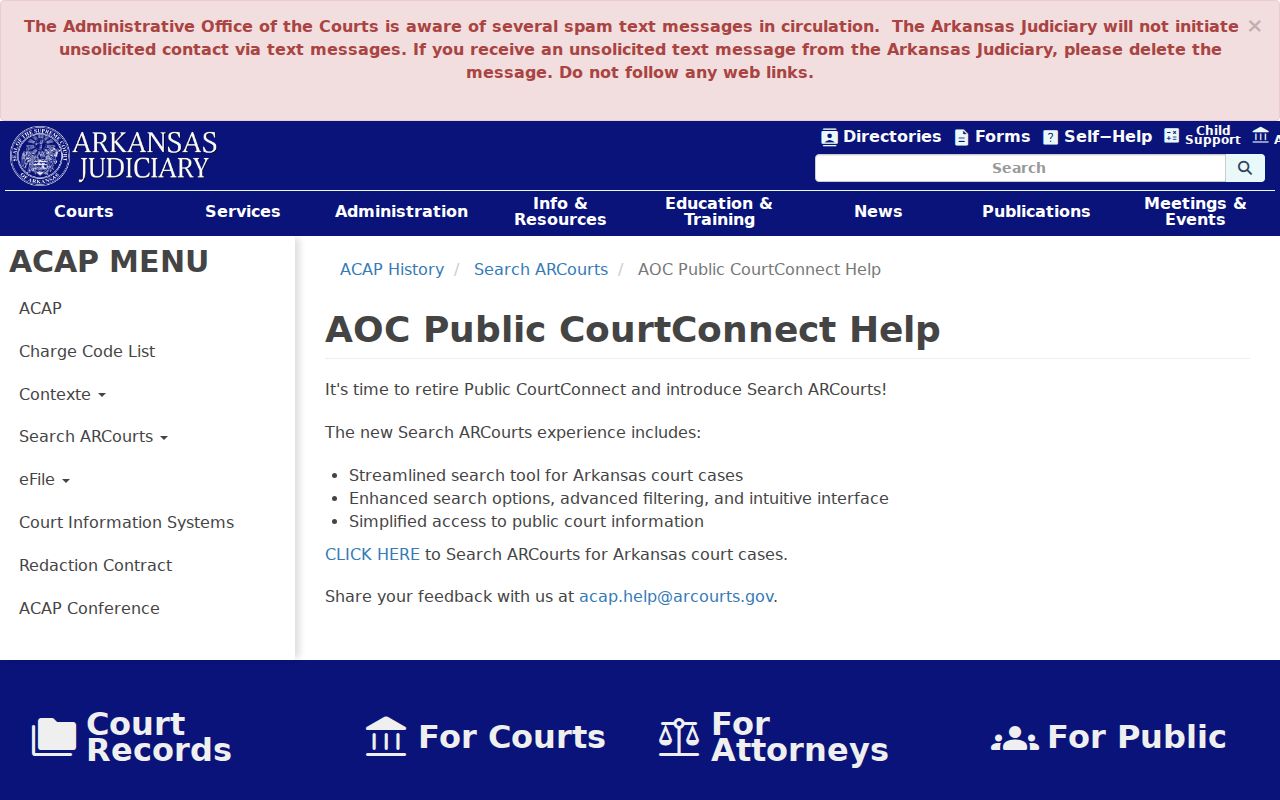
Older Public CourtConnect documentation mentions tight date windows and result caps on some searches. Read that as history, not as a promise about how the current Search ARCourts interface behaves.
Marion County Case Search Under AO 19
Administrative Order 19 is the reason remote access shows less than the full court file. This Arkansas Judiciary rule controls what court records can be seen and what stays out. Administrative Order 19.1 goes further. It sets handling and redaction rules for court administrative records. The Arkansas Freedom of Information Act governs public-record inspection and its exemptions more broadly. Case-record access runs through judiciary rules instead.
Blank does not mean nonexistent. A spelling variation, wrong court, nonparticipating District Court department, old paper file, or access rule can all produce an empty search.
The AOC data-request page exists for compiled or bulk data. It is not the place to ask a Marion County clerk for a single case.
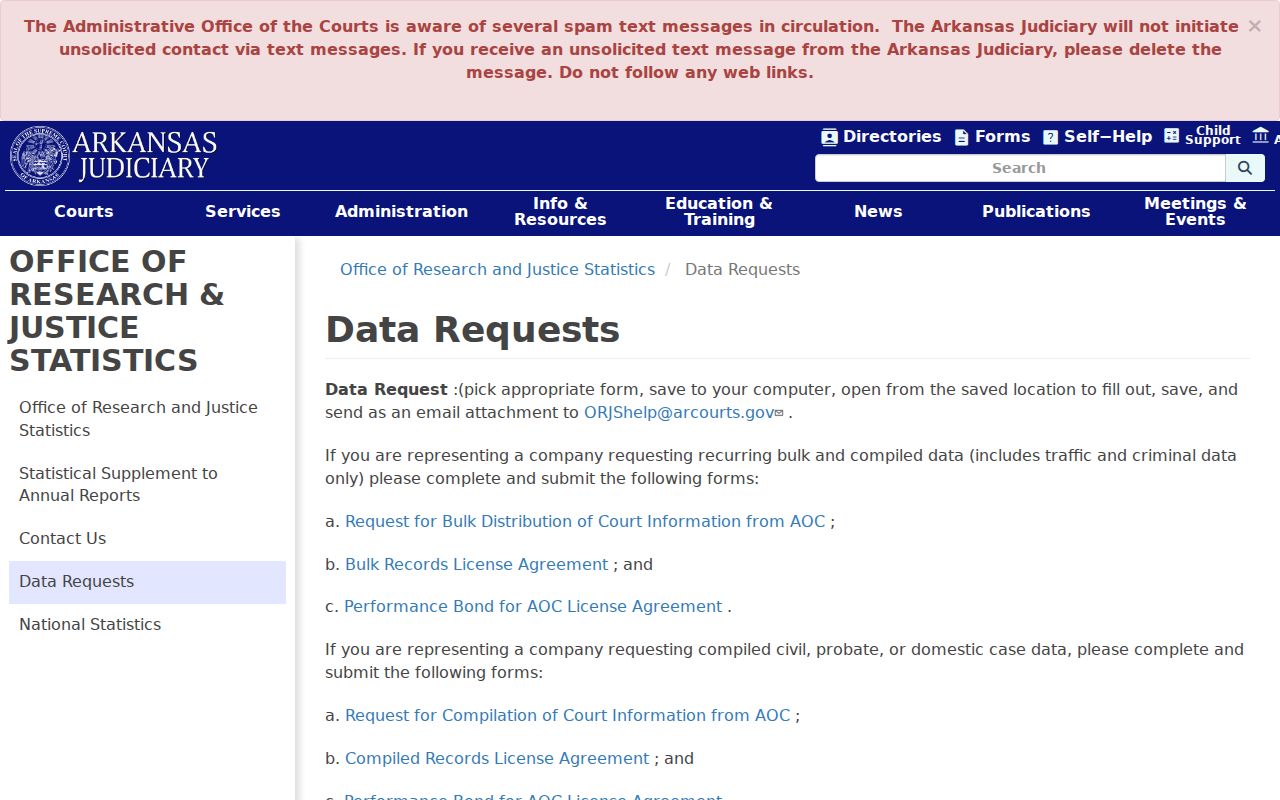
One known case? Start from the docket event and the court where it was filed. Save the AOC process for a truly aggregate request that follows its forms and rules.
Marion County Case Search Uses Contexte
Contexte sits behind the scenes. It is the Arkansas Judiciary case-management environment that feeds the public data. It is not a public login replacing Search ARCourts. For case lookup, stick to the approved search interface. The Contexte page also posts scheduled maintenance. Windows range from overnight weekday stretches to a longer run from Saturday night into Sunday. If an outage hits and a Marion County matter cannot wait, call the filing clerk. The Arkansas Judiciary directory lists Dawn Moffet as the Marion Circuit Clerk. She holds those records.
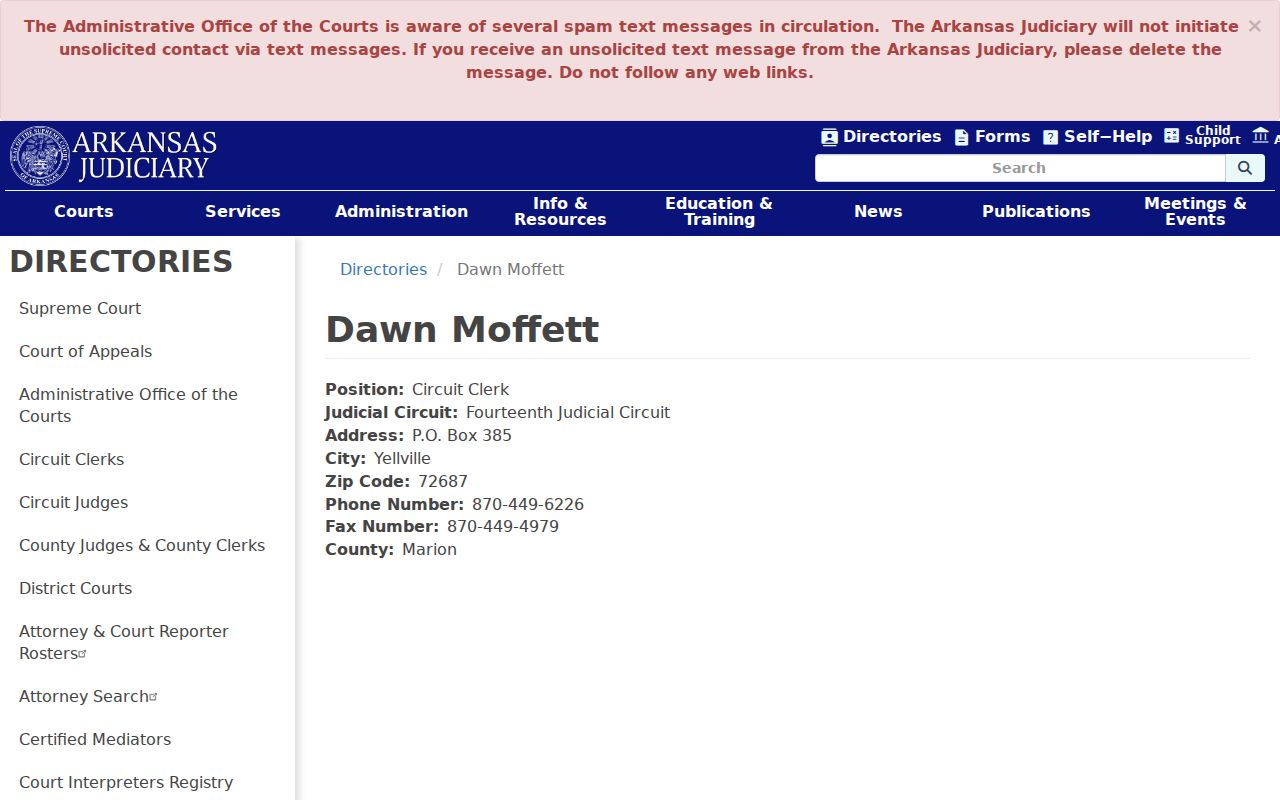
That directory route matters when one office handles portal tech support and another handles the substance of a Marion County case. Send each question where it belongs.
Marion County Case Search Is Not eFlex
Three systems, three jobs. eFlex takes electronic filings, Contexte manages the case data, and Search ARCourts publishes the public slice. They work together, but none fills another's role. Someone hunting an existing Marion County case should not treat the e-filing login as a public records portal.
| System | Role | Public Search Use |
|---|---|---|
| eFlex | Electronic submission channel | No, it does not replace case search |
| Contexte | Case-management environment | No general public login for docket lookup |
| Search ARCourts | Public case-information channel | Yes, for public cases and fields |
Knowing the split also explains document lag. A submission, an accepted filing, a docket entry, and a public document link may each land at a different moment rather than all at once.
Access and Restricted Cases
Arkansas Supreme Court Administrative Order 19 governs court-record access. It keeps defined confidential information off the internet. Juvenile information, sealed matters, protected family content, and personal identifiers may be missing. They may also be limited in what you see. Arkansas Code section 9-27-309 addresses juvenile confidentiality. The Comprehensive Criminal Record Sealing Act creates a legal path for sealing qualifying criminal records. A blank Marion County case search result does not grant access to restricted material. First check spelling, case number, county, and court. Then ask the proper clerk about the case. It may be older, paper-based, on a different docket, or restricted. Do not press staff to disclose sealed material without lawful authority. A sealed court record can stay under controlled access. That control can hold even after it stops showing in ordinary public results.
Marion County Case Search Missing-Case Steps
A missing result calls for a short fallback chain, not a conclusion. Start with the source paper. Confirm the name spelling and the exact case number. Make sure the court is Marion County, and pick the right layer, Circuit or District. An extra middle name or an entity word can block the match. Search again with fewer name fields.
- Verify the exact case or citation number and the court named on the paper.
- Retry Search ARCourts with the correct Marion County and case filters.
- Call the Circuit Clerk or the docket-specific District Court clerk.
- Ask whether the file is older, paper-based, archived, on another docket, or restricted.
- Request inspection or a copy at the counter or by mail when the record is public but not linked.
Not even sure the case belongs to Marion? The statewide official circuit-clerk directory can confirm the current Marion County contact.
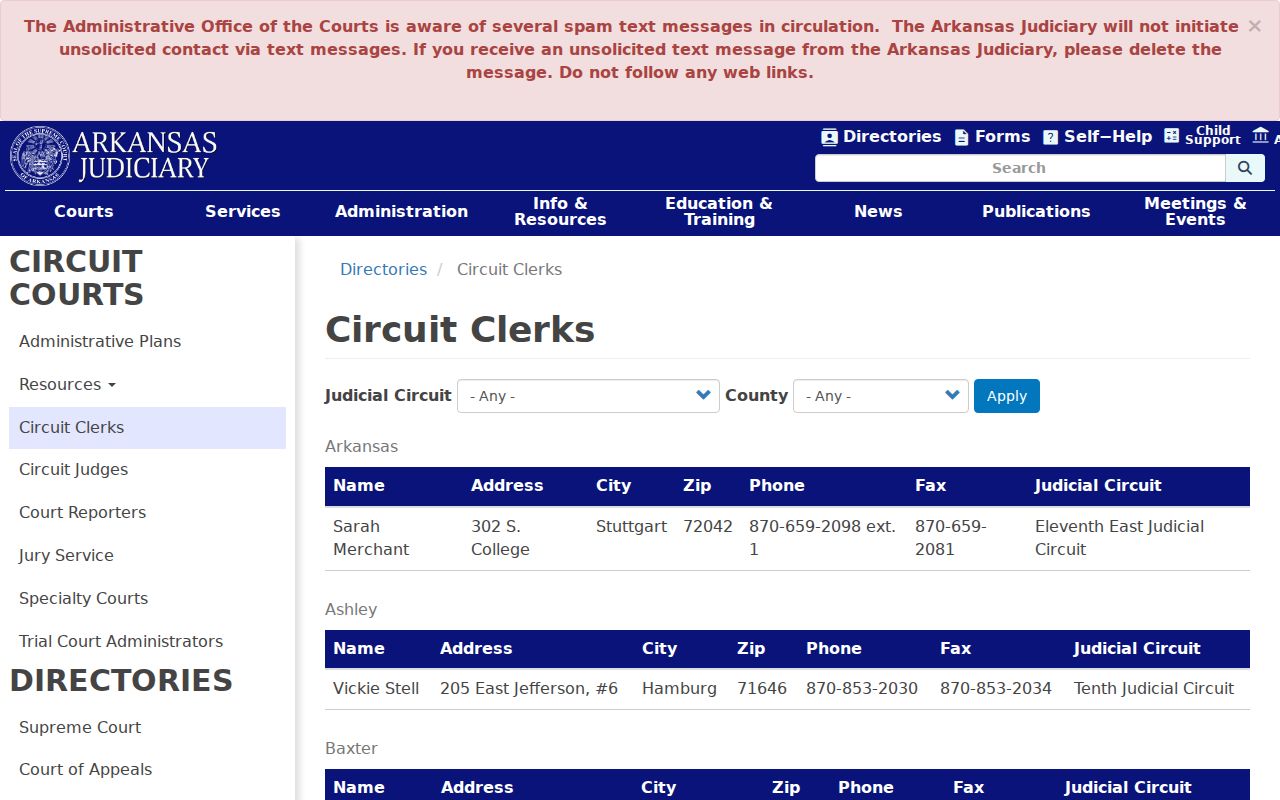
Once Marion is confirmed, take Circuit Court questions to the Circuit Clerk and District Court questions to the department named on the citation or court paper. Search ARCourts warns that its data is a public service and not for official use. Need proof? Ask the clerk for a certified copy. Ignore unsolicited text links claiming to come from the AOC, because the official portal notice says the AOC never starts such messages.